Imagine arriving at work on Monday and discovering that someone who should no longer have access can still open a side entrance. The door locked properly. The problem was the credential, the permission behind it, or a process nobody updated. For a Toronto property manager or business owner, that kind of uncertainty is difficult to ignore. You need to know who can enter, which areas they can reach and when their access should end.
A commercial access control system gives you a more manageable way to make those decisions. Depending on your property, it may use keycards, fobs, mobile credentials or biometric readers. The system may be managed through local software or a cloud-based platform. These choices are related, but they are not interchangeable.
Ultimate Security Services provides customized access-control solutions for businesses and properties with different security needs. This guide will help you understand the main options, the questions worth asking and the Toronto-specific issues to review before choosing a system.
What a Commercial Access Control System Actually Does
Access control is more than placing a reader beside a door. A complete system connects the credential you present with the rules your organization has set. A reader captures a keycard, fob, phone or biometric input. A controller checks whether that credential is authorized for that specific entrance at that time. If the request is approved, the system signals the electronic locking hardware and records the event.
That record can help your team review granted access, denied attempts and changes to user permissions. It can also make employee onboarding and offboarding easier because access rights can be changed without replacing every physical lock. The practical benefit is control. Your reception area, storage room, office floor and server room do not need to follow the same access rules.
Ultimate Security Services describes access-control software as a way to set permissions by criteria such as role, location and time. Its security technology services also include professional installation and ongoing support. The best commercial door access control plan therefore begins with your actual doors, users and daily routines, not with a product brochure.
Keycards, Fobs and Mobile Credentials for Everyday Access
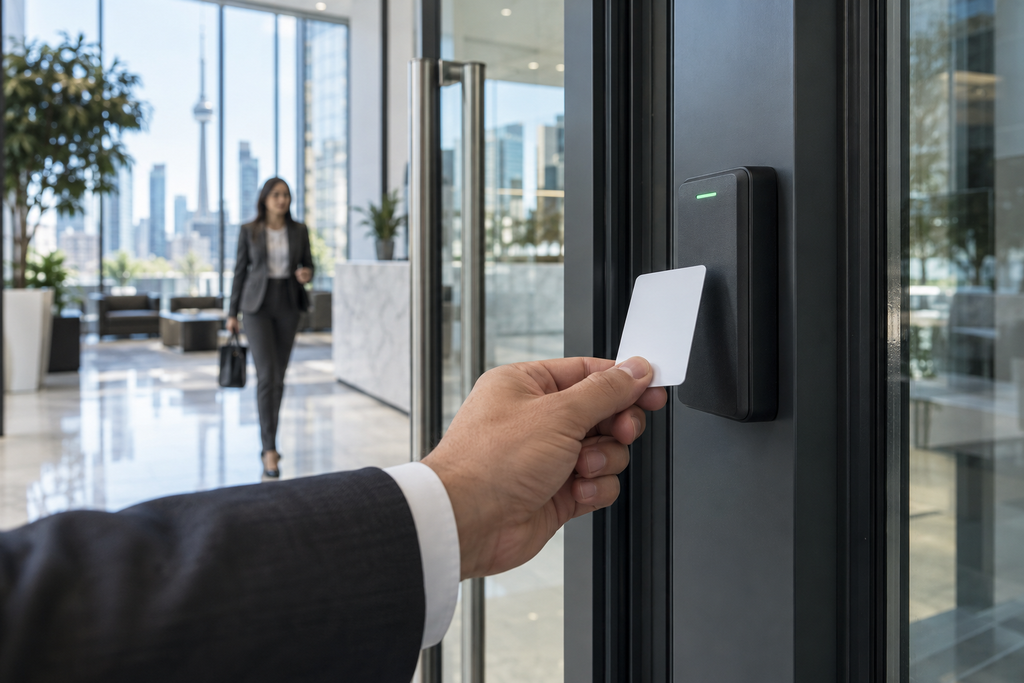
For many Toronto offices, warehouses and multi-tenant properties, cards and fobs remain a practical starting point. They are familiar, quick to use and easier to deactivate than a physical key is to recover. Administrators can assign access schedules, separate general entrances from restricted rooms and review access records when an incident needs attention.
The weakness is human behaviour. Cards can be lost, shared or left active after someone changes roles. Older credentials may also offer less protection than newer encrypted technologies. That makes the management process just as important as the reader on the wall. Your organization needs clear responsibility for issuing, reviewing and revoking credentials.
Mobile credentials place the credential on a compatible smartphone. They can reduce the need to distribute physical cards and may be useful when access changes frequently. However, you still need a plan for visitors, contractors, lost phones and people who cannot or do not want to use a personal device.
Ultimate Security Services lists keycards, access-control software and mobile credentials within its access-control offering. A site assessment can help determine whether one credential type or a carefully planned combination fits your users best.
When Biometric Access Control Makes Sense
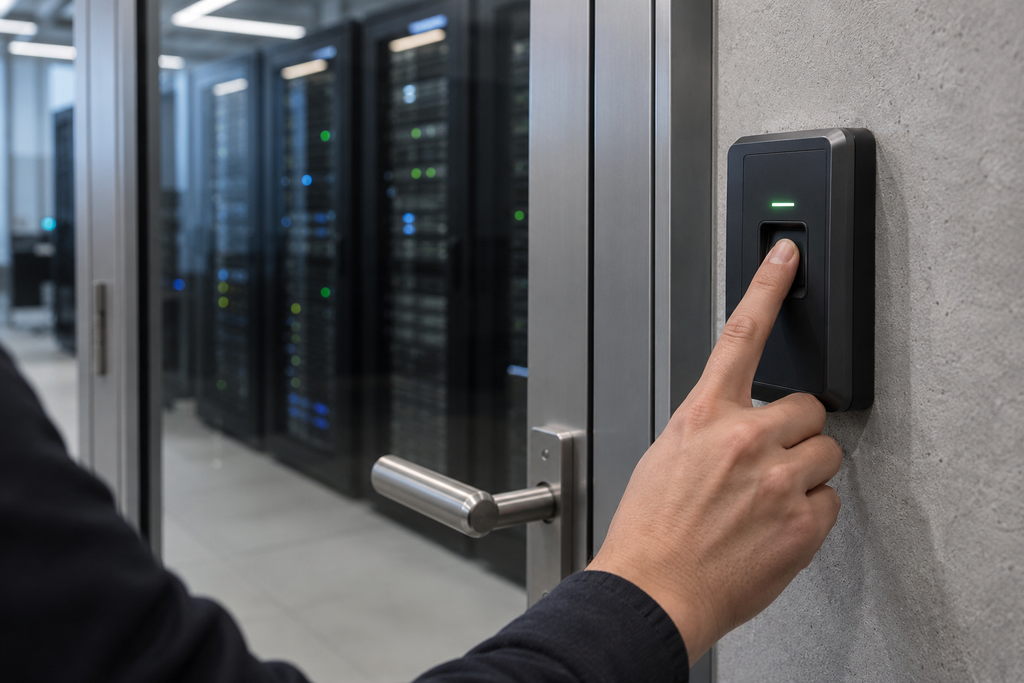
Biometric access control uses a physical characteristic, such as a fingerprint or facial pattern, to verify identity. Because a biometric trait cannot be handed to a colleague like a card, this method may be appropriate for a limited number of higher-security spaces. A Toronto business might consider it for a room containing sensitive records, specialized equipment or high-value assets rather than installing it at every entrance.
That added identity assurance brings added responsibility. Biometric information is closely connected to the individual and cannot be replaced as easily as a password or access card. The Office of the Privacy Commissioner of Canada treats uniquely identifying biometric information as sensitive. Its guidance tells private-sector organizations to establish a legitimate need, consider less intrusive alternatives, limit collection and retention, use appropriate safeguards and obtain meaningful consent where required.
Ultimate Security Services includes biometric scanners among its security technology options. Before choosing biometric access control in Toronto, ask whether the security benefit is proportionate to the privacy impact, how the data will be protected and what alternative will be available for someone who cannot participate.
Cloud-Based and On-Premise Access Control Are Management Choices
Cloud-based access control does not replace keycards, mobile credentials or biometrics. It changes how administrators manage those credentials and the system behind them. A cloud platform may let an authorized manager update permissions, review events and oversee multiple locations through a remote interface. That can be valuable when your Toronto organization manages several sites or regularly changes staff, tenant, visitor or contractor access.
On-premise systems keep more of the management infrastructure at the property. Some organizations prefer that approach because it fits their internal IT policies or existing equipment. The trade-off is that local servers, software and backups require clear ownership and maintenance. Neither architecture is automatically right for every commercial building.
Internet resilience should be discussed before installation. A properly designed system may keep authorized doors operating through local controllers when connectivity is interrupted, but the exact behaviour depends on its configuration. Power backup, offline credential handling, remote features and emergency procedures should all be confirmed in writing.
Ultimate Security Services states that its access-control technology can provide real-time permission adjustments, entry reporting and surveillance integration. Your assessment should connect those capabilities to the way your team will actually administer the building.
What Toronto Buildings Need to Review Before Installation
Every access control installation in Toronto begins with the physical opening. Door material, frame condition, existing locks, wiring, power, accessibility and emergency egress can affect the design. Elevators, parking areas and visitor entrances create additional requirements because they serve different people and may involve other building systems.
Electromagnetic locks deserve particular attention. The City of Toronto identifies the standalone installation of electromagnetic locking devices as fire and security upgrade work requiring a building permit. Your installer should also review how each controlled door behaves during a power failure or emergency so security does not interfere with safe egress.
Access control becomes more useful when it supports the rest of your security plan. Ultimate Security Services says its access-control software can integrate with surveillance systems, while its wider security technology services include cameras, alarm systems and monitoring and response. Connecting a door event with relevant video can give your security team better context, provided the products are compatible and the response process is clearly defined.
Take Control of Who Enters Your Toronto Property
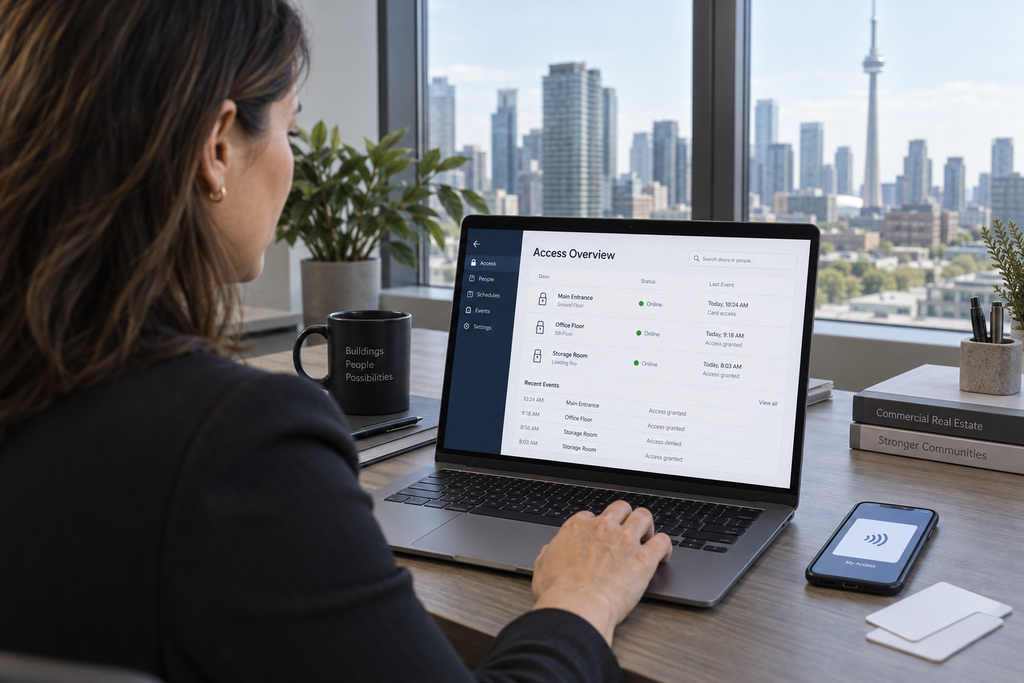
You should not have to wonder whether an old credential still works, whether a restricted room is truly restricted or whether your system will respond properly during an outage. The right access control system gives your team a clear process for granting, changing and reviewing entry permissions. More importantly, it should fit the people, doors and risks inside your building instead of forcing your operation into a standard package.
Ultimate Security Services offers customized security technology solutions, professional installation and ongoing support. Its services include access control, biometric scanners, cameras, alarm systems and 24/7 monitoring and response. That makes it possible to consider the entrance as part of a wider security strategy rather than treating each device as a separate purchase.
If you manage an office, warehouse, commercial property or multi-tenant building in Toronto, start with a professional assessment of your entrances, users, restricted areas and existing infrastructure. Contact Ultimate Security Services or call 416-399-1550 to discuss a commercial access control system designed around your property. Take the first step now, before an overlooked credential becomes the reason you wish you had acted sooner.
Frequently Asked Questions
What type of access control system is best for a commercial building in Toronto?
The right system depends on your building, users and security requirements. Keycards, mobile credentials and biometrics each offer different advantages, so a professional assessment can help determine the best option.
Are biometric access control systems secure for Toronto businesses?
Biometric systems can provide strong identity verification using fingerprints or facial recognition. However, businesses should also consider privacy requirements, data protection and whether biometrics are necessary for every entrance or only restricted areas.
Is cloud-based access control better than an on-premise system?
Neither is automatically better. Cloud systems offer convenient remote management, while on-premise systems may suit businesses with specific IT requirements. The right choice depends on your infrastructure, security needs and management preferences.
How much does commercial access control installation cost in Toronto?
Costs vary based on the number of doors, locking hardware, credentials, wiring, software and integrations. A professional site assessment can provide a more accurate estimate based on your property’s specific access control requirements.